
If you encounter an issue where a note appears to be 'locked' or grayed out, it means that the note was previously saved as a Draft in your To-Do list under 'Tasks'. You may also encounter the error message 'DOS Already Exists'. This feature is in place to prevent accidental deletion of report data.
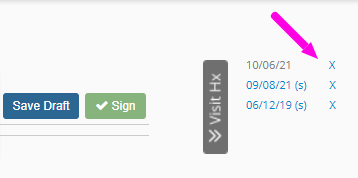
You will first want to look in your Visit Hx tab on the right side of the screen. You will most likely find the date of service listed in gray. From here, you can delete it by clicking the 'X' icon.
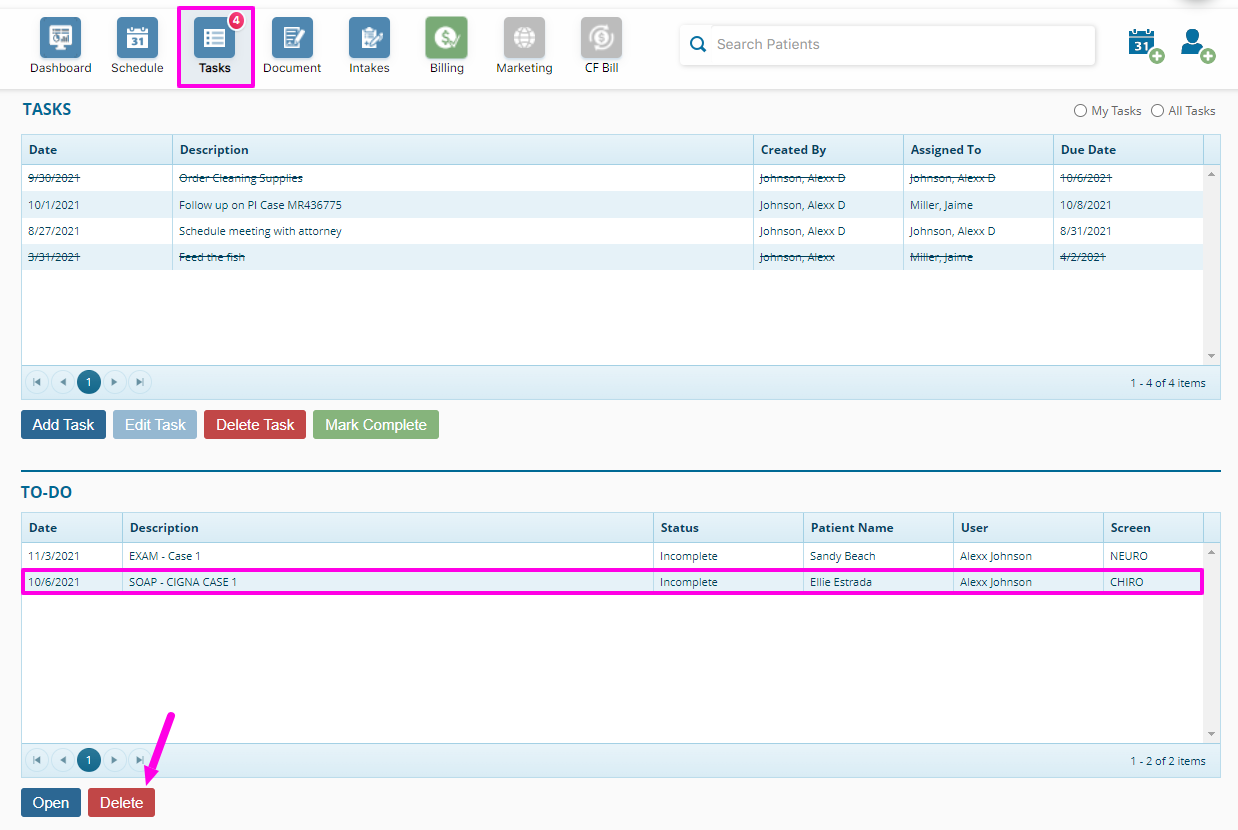
If you did not locate the date of service in question in the Visit Hx tab, you will want to check the To-Do list under 'Tasks' & delete the note from there.
Video explanation: