
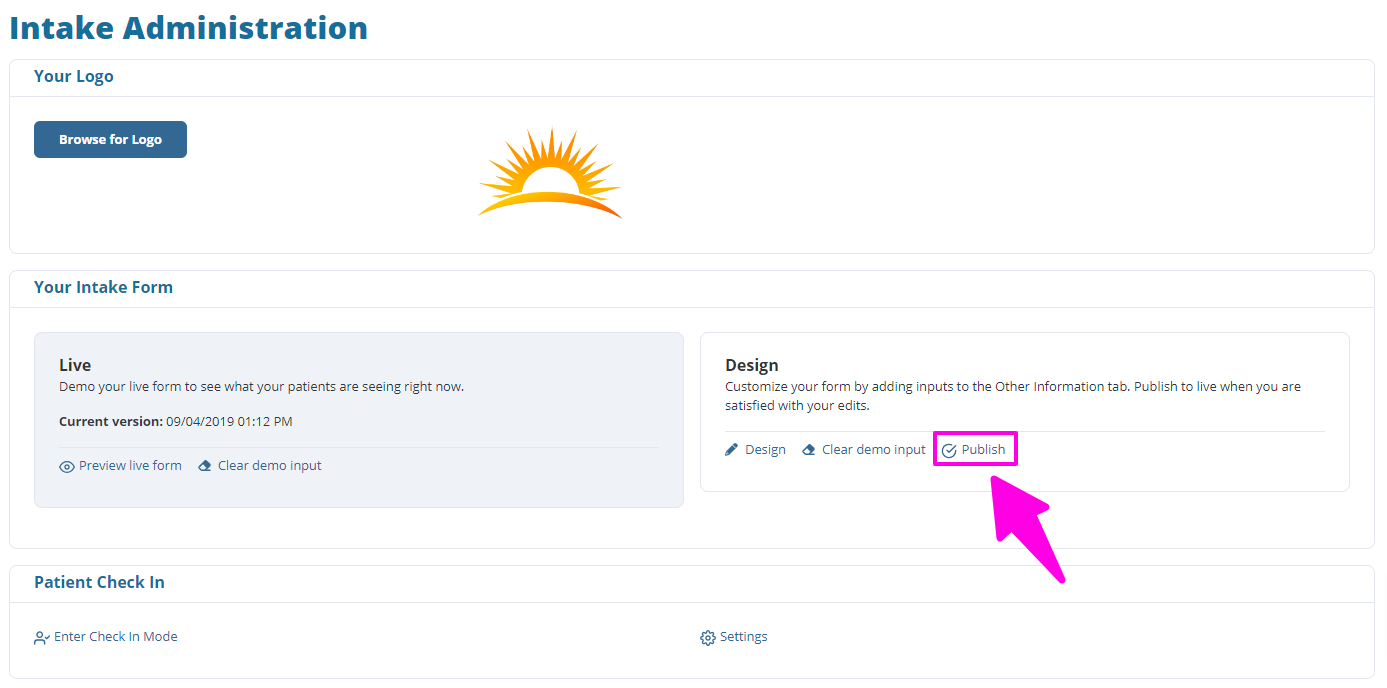
If you have made changes to the Online Patient Intake forms and are not seeing the updates on the live forms, this means you still need to publish the changes. You can do this by clicking 'Publish!' under your Intake Administration.

This article covers the steps involved to test updates that have been made to Online Patient Intake forms.
ChiroFusion Support
Updated Sep 12, 2024
If you have made changes to the Online Patient Intake forms and are not seeing the updates on the live forms, this means you still need to publish the changes. You can do this by clicking 'Publish!' under your Intake Administration.
Your feedback helps us continuously improve our documentation.
The scheduling calendar is set to auto-refresh every 70 seconds and should reflect any changes after a refresh.
If you are experiencing lagging or freezing while using ChiroFusion, it's most likely related to your web browser or internet connection.
The Excel report downloaded from ChiroFusion does not open in Excel or opens as a blank document.
Provider and Staff passwords can be reset in the Admin panel of ChiroFusion.